


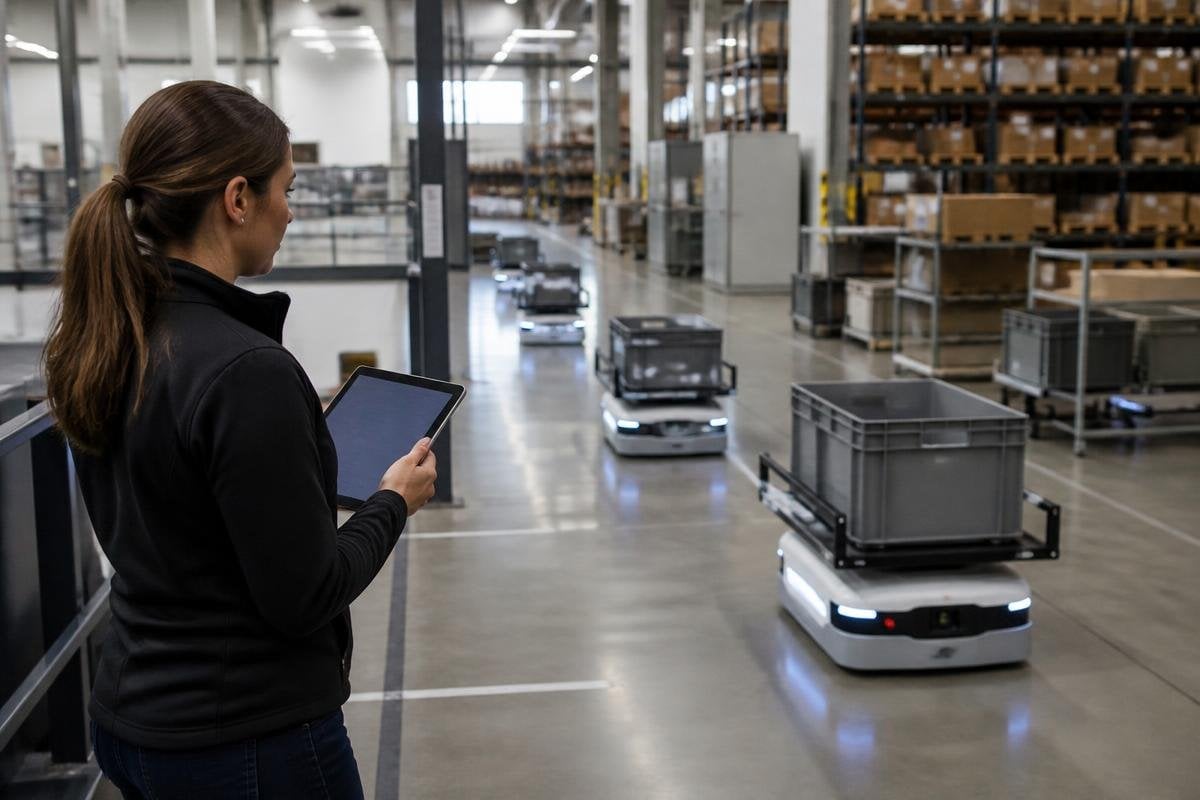
A robot fleet can fail without a broken motor. Poor task assignment, stale maps, weak charging plans, or missing maintenance data can stop useful work just as quickly. That shifts fleet management toward software, where the main job is keeping many machines working together.
- Dispatch software assigns jobs across robots
- Fleet data guides charging and repairs
- Open interfaces matter as much as hardware
The fleet is a system, not a row of robots
A single robot can follow its own program. A fleet needs shared rules. Software must decide which robot takes a task, which route it uses, when it returns to charge, and how it reacts when a lift, doorway, or work area is blocked.
That software usually connects several parts. A fleet manager may read robot location, battery level, task status, sensor alerts, and map data in one place. It then sends work back through a robot operating system, a vendor interface, or a warehouse system.
The value comes from coordination. If two robots head toward the same narrow aisle, the fleet manager can assign one to another task.
If a robot has too little charge for the next job, the system can send it to a charger before the task begins. Each decision affects the work of the rest of the fleet.
Data becomes part of the product
Fleet software collects a steady stream of operational data. That can include travel time, idle time, battery use, failed task attempts, manual interventions, and the locations where robots stop most often.
This data gives an operator a way to find the cause of lost output. A robot that stops near one doorway may need a map change. A group of robots with rising battery drain may need inspection. A long queue at one charging point may call for a different charging schedule or another charger.
The software can also turn these records into reports for managers. They may want task counts, robot availability, service history, or time spent waiting for human help. Those reports connect robot work to staffing, maintenance, and production plans.
Data alone doesn’t fix a fleet. Someone still needs to check whether a software alert points to a sensor fault, a blocked route, or a change in the work area.
The business model moves toward recurring software
Hardware sales often happen at the start of a project. A subscription system creates work after installation. A supplier may charge for access to the management system, support for updates, connections to warehouse or factory software, and tools for several sites.
That changes what buyers should compare. The purchase price of a robot says little about the cost of running a fleet if each machine needs a separate dashboard or manual setup. A lower hardware price can lose its appeal when operators spend hours moving data between systems.
The software also needs clear rules for ownership and access. You should know who can export the fleet data, who controls the maps, how long logs remain available, and what happens if the contract ends. These details affect repair work, supplier changes, and the cost of adding robots later.
The vendors behind these tools matter too. Reporting on fleet software can help you compare who controls the data layer and which systems stay open when a contract ends.
Open systems decide how fleets grow
A mixed fleet may include robots from different suppliers. Those robots can use different maps, charging methods, safety rules, and task formats. Software that cannot exchange data with the rest of the site can leave an operator with several separate control rooms.
Application programming interfaces, or APIs, let one system exchange data with another. A useful API may send a task to a robot, read its status, or report a fault to a maintenance system. The details matter because a connection that only shows a robot’s location may not support real task control.
Security belongs in the same check. Fleet software can control machines, expose site maps, and store records about production. Buyers need user permissions, update controls, network separation, and a clear record of who changed a task or map.
The unproven part is often the handoff between systems. A demo can show one robot completing one job. A working fleet must keep its data, maps, tasks, and safety responses in step as conditions change.
A buyer’s fleet software checklist
Use these checks before you compare subscription prices:
- List the systems: name the warehouse, factory, maintenance, and safety tools the fleet must connect with.
- Check data access: confirm that you can export maps, logs, task records, and service data in usable formats.
- Test failure handling: ask what happens after a lost network link, blocked route, low battery, or damaged sensor.
- Review human work: count the steps needed to approve tasks, change maps, clear faults, and return a robot to service.
- Price the whole term: include software fees, site setup, support, updates, training, and the cost of adding another robot.
I’d choose the system that leaves the operator with clear data and control, even if its robot price is higher.
Fleet management is becoming software because coordination decides whether a group of robots keeps working. The next useful test is simple: after a fault, can one operator find the cause, assign the waiting work, and restore service without opening five separate systems?